
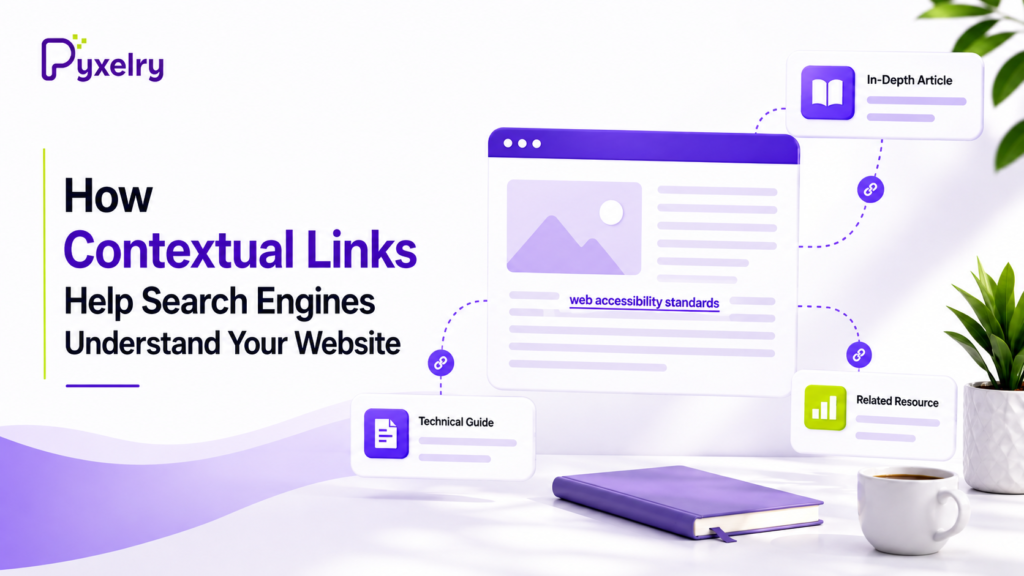
Search engines do not evaluate web pages as completely isolated pieces of content. Links help establish relationships between pages, while the surrounding text provides additional context about why those pages are connected.
A link placed within meaningful body content can be especially useful because its anchor text, surrounding sentence, section topic, and broader page content all help explain the relationship. Understanding contextual links SEO allows website owners to create clearer connections between related topics and make content easier for readers to navigate.
For example, if a guide about organic gardening links to a detailed article on soil pH testing, the relationship between the two topics is clear. The link gives readers a logical next step while connecting two closely related subjects.
The Role of Anchor Text and Surrounding Content
Anchor text provides a direct description of where a link leads, but the surrounding content adds important context. Generic phrases can make the destination unclear, while descriptive language helps establish why the linked resource is relevant.
Consider two ways of linking to a page about web accessibility:
- Weak: “For more information, click here to read our guide.”
- Strong: “Designing inclusive digital platforms requires following web accessibility standards, particularly when supporting screen readers and keyboard navigation.”
In the first example, “click here” says very little about the destination. In the second, both the anchor text and surrounding language clearly explain the topic.
| Factor | Weak Contextual Signal | Strong Contextual Signal |
|---|---|---|
| Anchor Text | Generic phrases such as “click here” | Descriptive, topic-specific terms |
| Surrounding Content | Vague or unrelated text | Content directly related to the destination |
| Placement | Isolated or navigational areas | Relevant body content |
| Topic Alignment | Forced connection | Natural progression to related information |
Internal vs. External Contextual Links
Both internal and external links can provide useful context, although they serve different purposes.
Internal Contextual Links
Internal links connect related pages within the same website. A broad guide might link to detailed articles covering individual subtopics, while supporting articles can direct readers toward more comprehensive resources.
A well-planned internal structure helps create logical paths through related content. The goal is not simply to add more links, but to connect pages where doing so improves understanding and gives readers a useful next step.
External Contextual Links
External links connect readers with useful information beyond your website. Referencing a reputable study, technical standard, research source, or detailed guide can add value when that resource genuinely supports the discussion.
For example, an article discussing accessibility requirements could reference standards published by the W3C. The surrounding content explains why the resource matters and what additional information the reader can expect to find.

How Contextual Links Support Topical Relevance
Topical relevance depends on how closely information relates to the subject being discussed. Contextual links can connect related ideas and prevent useful pages from existing as isolated pieces of content.
A thoughtful contextual links SEO strategy focuses on whether the destination genuinely expands on the current topic. When a detailed guide connects naturally to supporting resources, those links can create a clearer and more coherent content structure.
For example, an article about enterprise database management could link to resources covering query optimization, data encryption, and server scaling. These subjects are closely connected, making each link useful rather than forced.
The same principle applies throughout a website. Related pages should connect where doing so improves navigation and helps readers explore a subject in greater depth.
Common Contextual Linking Mistakes
Effective contextual linking requires relevance and restraint. Common mistakes include:
- Using vague anchor text: Phrases such as “learn more” provide little information about the destination.
- Linking unrelated pages: Every connection should have a clear topical reason to exist.
- Forcing keywords into anchors: Over-optimized phrases can make natural writing feel awkward.
- Over-linking short sections: Too many links can distract readers and make references feel less purposeful.
- Ignoring narrative flow: A link should support the discussion instead of interrupting it.
A Practical Approach to Contextual Linking
A simple process can help ensure every link serves a clear purpose:
- Identify related pages: A thoughtful link building strategy starts by finding resources that genuinely expand on a concept being discussed.
- Choose descriptive anchor text: Use a concise phrase that accurately represents the destination.
- Review the surrounding content: Make sure the sentence explains why the linked resource is relevant.
- Keep the connection natural: Add links where they improve the flow instead of forcing them into unrelated sections.
- Check the user journey: Confirm that the destination provides useful information and represents a logical next step.
Following this approach makes contextual links SEO less about placing hyperlinks and more about building meaningful relationships between related pieces of content.
Final Thoughts
Contextual links help create clearer connections between pages, topics, and supporting resources. When descriptive anchor text, relevant surrounding content, and logical destinations work together, readers can better understand where a link leads and why it matters.
By prioritizing relevance and natural content relationships, website owners can build a more connected and useful content structure. A thoughtful approach to contextual links SEO keeps every link purposeful, helping readers discover related information while making the relationships between pages easier to understand.